
वर्णन
This mini plugin integrates automatically with Path Theme. Just activate this plugin and you can share your posts on Twitter, Google+ and Facebook.
Plugin adds these buttons after singular post.
If you want to use this plugin with another theme add this in your template file.
if ( function_exists( 'social_path_media' ) )
    social_path_media();
स्क्रीनशॉट
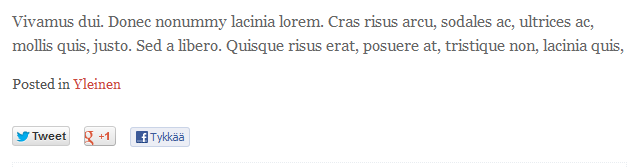
Social button after singular post
स्थापना
- Upload
social-pathto the/wp-content/plugins/directory. - Activate the plugin through the ‘Plugins’ menu in WordPress.
- That’s it, if you’re using Path theme.
नेहमी विचारले जाणारे प्रश्न
- Why was this plugin created?
-
I needed this feature to be in a plugin because I changed theme a lot and I felt this was a plugin territory.
- But there are many good social plugins already?
-
Yes but I wanted to keep it as simple as possible.
- Where is options page?
-
There isn’t one. There is zero option in this plugin.
समीक्षा
ह्या प्लगइनसाठी कोणतेही समीक्षण नाही.
योगदानकर्ते आणि विकसक
“Social Path” हे मुक्त स्रोत सॉफ्टवेअर आहे. पुढील लोक या प्लगइनच्या निर्मितीत योगदान केले आहे.
योगदानकर्ते
भाषांतर करा “Social Path” तुमच्या भाषेत.
विकासातील आग्रह?
कोड ब्राउझ करा, SVN संग्रहालय तपासा, किंवा विकास लॉग च्या RSS द्वारे सदस्यता घ्या.
बदलांची यादी
0.1.2
- Added filter and action hooks.
0.1.1
- Like button was in finnish. Now it should be your own language, fallback is en_US.
0.1
- Everything’s brand new.