

वर्णन
Sumtics is the AI summarizer for WordPress that turns long posts into clear, skimmable TL;DR summaries – automatically. It generates a real AI summary for every article using your WordPress AI connector, and adds one-click buttons that let readers summarize your content with ChatGPT, Claude, Gemini, Grok, Google AI, or Perplexity.
Long articles lose readers. Sumtics gives visitors the gist in seconds, boosts time-on-page and engagement, and helps your content stay readable in an AI-first world – including AI Overviews and answer engines that reward clear, summarizable content.
Sumtics homepage · Read the documentation · Get support
Why Sumtics?
- Real AI summaries, generated for you – not just a link out. Sumtics writes an actual TL;DR for each post.
- Uses your WordPress AI connector – works natively with the WordPress AI Client (WordPress 7.0+) and providers like Anthropic (Claude), Google (Gemini) and OpenAI (ChatGPT). Configure once in Settings Connectors.
- Zero-cost fallback – a built-in on-server summary engine works even without any AI provider, so you always get a summary.
- No code required – set it up in minutes with a clean, modern settings panel.
Three ways to summarize
1. Inline AI Summary (TL;DR box)
Automatically generate a concise TL;DR for each post when it is published or updated, then display it inline above or below your content in a clean, collapsible box. Powered by the built-in WordPress AI connector, with an on-server extractive fallback. Set the length (1–5 sentences), choose your model, or let Sumtics pick a sensible default automatically.
2. External AI Summarize Buttons
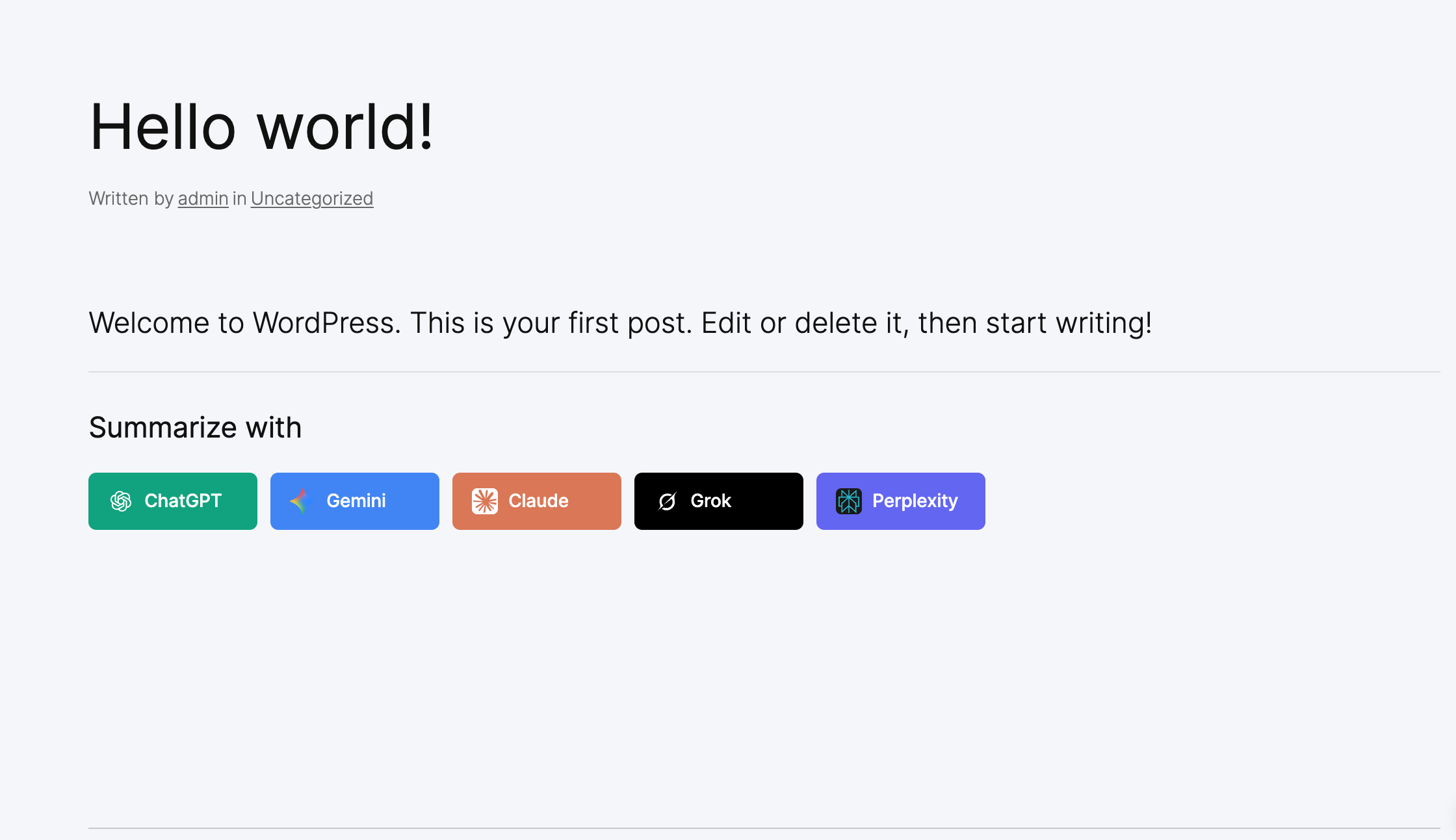
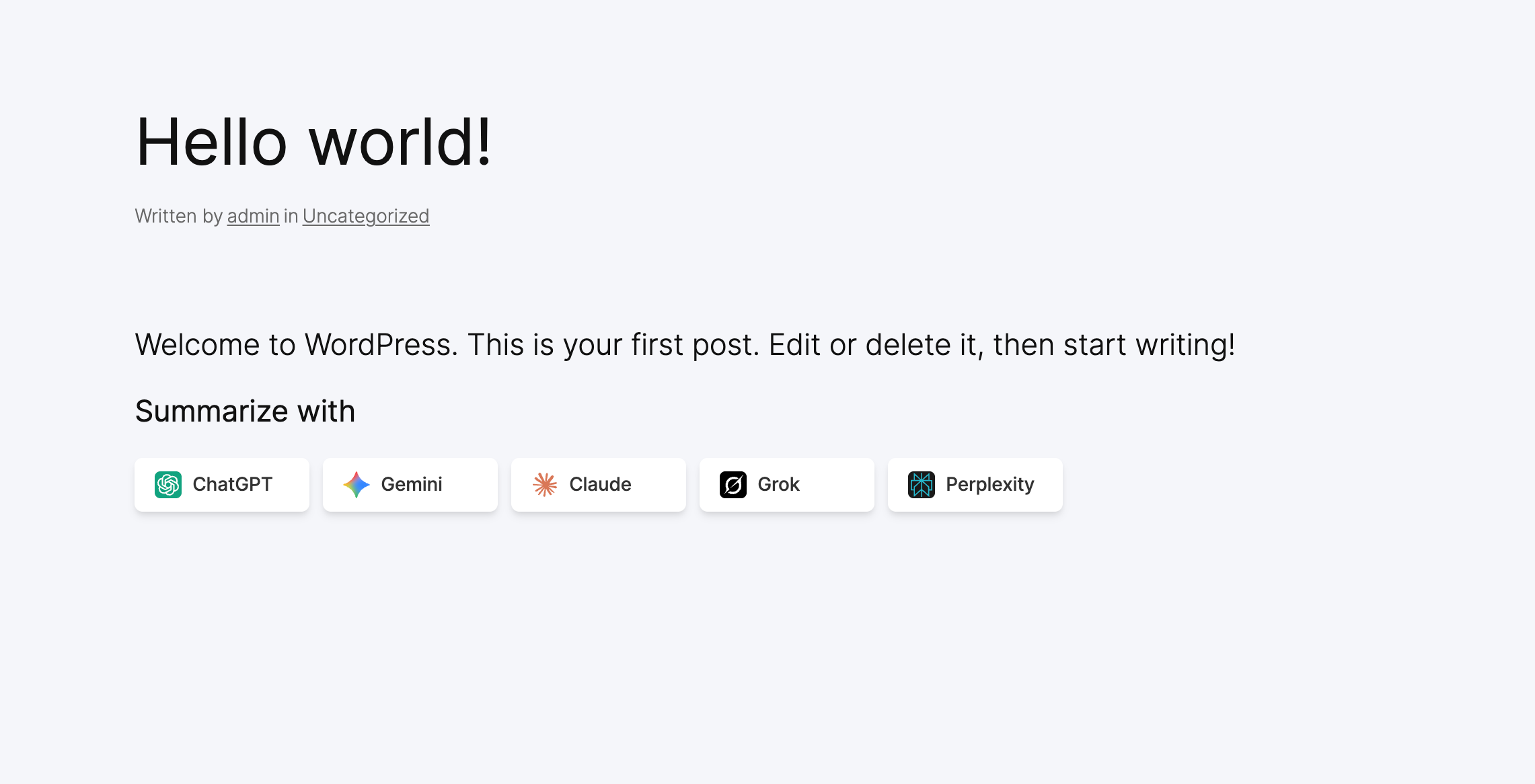
Add one-click buttons that open the reader’s favorite AI assistant – ChatGPT, Claude, Gemini, Grok, Google AI or Perplexity – pre-filled with a smart summarize prompt for your article. Great for engagement and AI-driven discovery.
3. Floating AI Button (FAB)
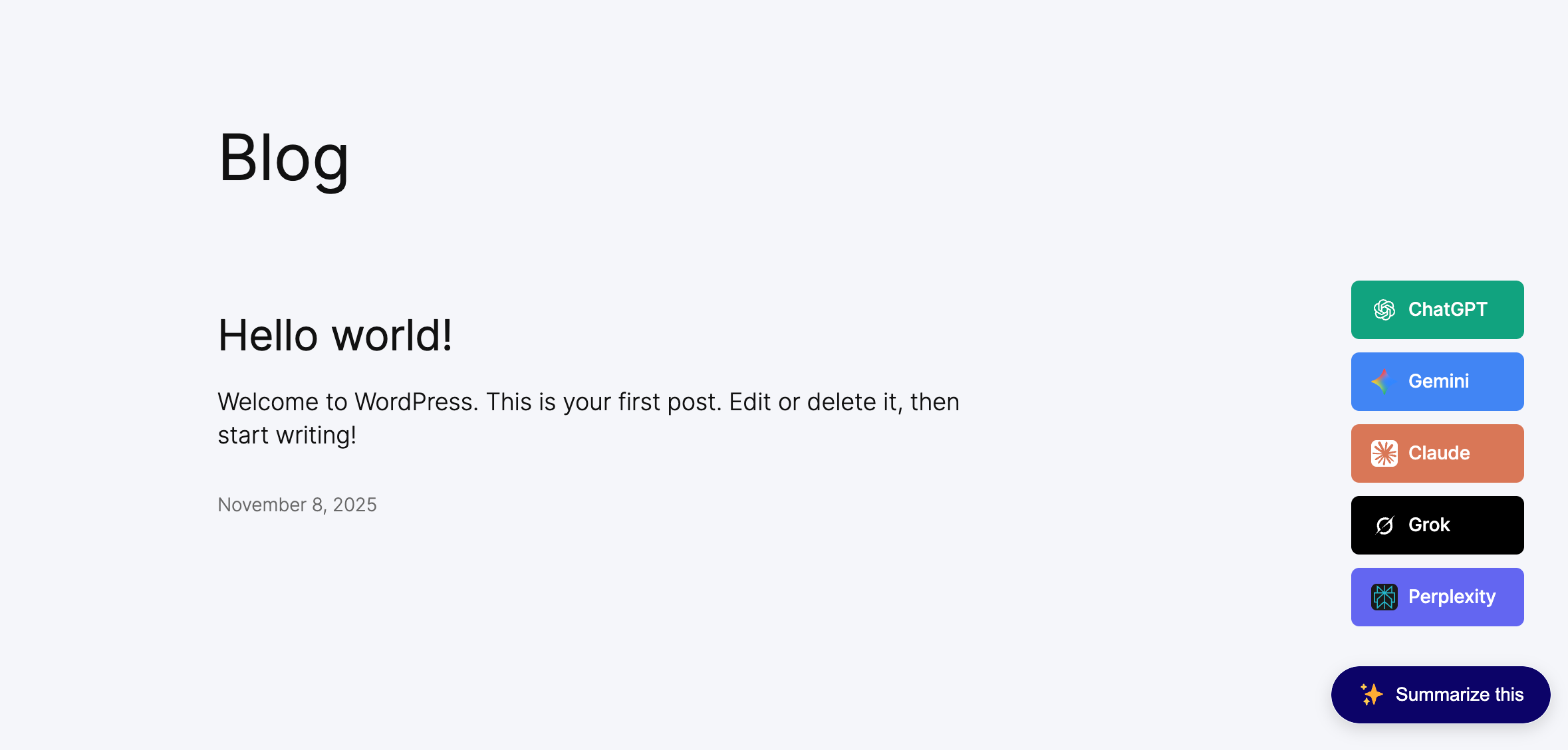
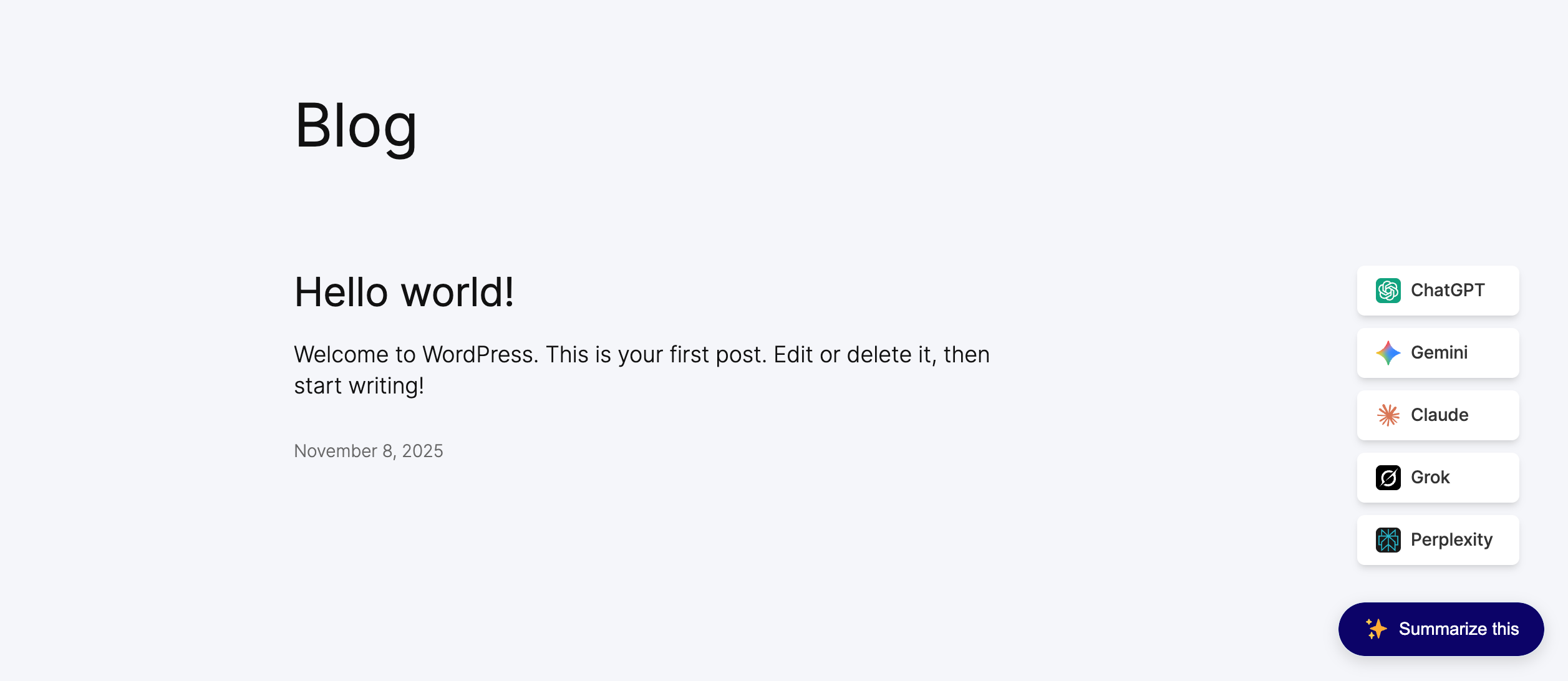
A floating “Summarize” button that follows the reader and expands to the AI tools you enable. Position it anywhere on screen.
Key Features
- Automatic TL;DR generation – AI summaries created on publish/update, cached for fast loading
- WordPress AI connector support – native WP AI Client integration (Claude, Gemini, ChatGPT)
- On-server extractive summarizer – free, private fallback that never calls an external API
- Inline summary box – collapsible, theme-adaptive, transparent design that blends with any theme
- One-click AI summarize buttons – ChatGPT, Claude, Gemini, Grok, Google AI, Perplexity
- Floating action button (FAB) – six positions with custom offsets
- Per-post controls – edit, regenerate or override the summary for any post in the editor
- Bulk backfill – generate summaries for all existing posts in one click
- Content-type targeting – choose exactly which post types get summaries and buttons
- Custom prompts & lengths – global defaults with per-post overrides
- Shortcodes – drop summaries and buttons anywhere with
[sumtics_ai_summarize]and[sumtics_floating_button] - Modern settings UI – organized, fast and beginner-friendly
- Translation-ready & lightweight – built for performance and SEO
Supported AI Models
- ChatGPT (OpenAI)
- Claude (Anthropic)
- Gemini (Google)
- Grok (xAI)
- Perplexity
- Google AI Mode
Perfect For
Blogs, news and magazine sites, documentation, knowledge bases, online courses and any content-heavy website where readers want a fast TL;DR – and where you want your content optimized for SEO, AEO (answer engine optimization) and GEO (generative engine optimization).
Privacy & Cost
The inline AI summary uses the AI provider you connect in WordPress (Settings Connectors); summary generation happens through that provider. The on-server extractive engine runs entirely on your site and never sends content to a third party. The external summarize buttons simply open the reader’s chosen AI tool in a new tab – no API key required.
स्क्रीनशॉट
स्थापना
- Upload the
sumticsfolder to the/wp-content/plugins/directory, or install Sumtics directly from Plugins Add New. - Activate the plugin through the Plugins menu in WordPress.
- (For AI summaries) On WordPress 7.0+, connect an AI provider under Settings Connectors (Anthropic, Google or OpenAI).
- Go to Sumtics Settings to enable the inline summary, choose your engine/model, and configure the summarize buttons and floating button.
- Open Sumtics Settings Inline Summary Generate for all existing posts to backfill summaries for older content.
नेहमी विचारले जाणारे प्रश्न
-
What does Sumtics do?
-
Sumtics is an AI summarizer for WordPress. It automatically generates a TL;DR summary for each post and displays it inline, and it adds one-click buttons so readers can summarize your content with ChatGPT, Claude, Gemini, Grok, Google AI or Perplexity.
-
How are the AI summaries generated?
-
Inline summaries are generated through the built-in WordPress AI Client (WordPress 7.0+) using the provider you connect under Settings Connectors – such as Anthropic (Claude), Google (Gemini) or OpenAI (ChatGPT). If AI is unavailable, Sumtics can fall back to a built-in on-server summarizer.
-
Do I need an API key?
-
For the inline AI summary you connect a provider once in Settings Connectors. For the external summarize buttons you do not need any API key – they open the reader’s chosen AI tool with a ready-made prompt. The on-server (basic) summary engine needs no key at all.
-
Does Sumtics work without an AI provider?
-
Yes. Choose the “Basic” engine (or enable the fallback) and Sumtics will build summaries on your server with no external API calls – free and private.
-
When are summaries created?
-
Automatically when a post is published or updated. They are cached in the post so the front end loads fast. You can also click “Regenerate now” in the editor, or bulk-generate summaries for all existing posts from the settings page.
-
Can I choose which post types get summaries?
-
Yes. You can target posts, pages and any custom post type for both the inline summary and the summarize buttons.
-
Can I edit a summary manually?
-
Yes. Open the post editor, edit the summary in the Sumtics box, and your version is kept – automatic regeneration will not overwrite manual edits.
-
Will the summary box match my theme?
-
Yes. The inline TL;DR box uses a transparent, theme-adaptive design, so it inherits your theme’s colors and looks good in light and dark themes.
-
Does Sumtics help with SEO, AEO and GEO?
-
Clear, structured summaries make content easier to scan for readers and easier to understand for search engines, AI Overviews and answer/generative engines. Better skimmability typically improves engagement signals too.
-
Which AI models are supported?
-
ChatGPT (OpenAI), Claude (Anthropic), Gemini (Google), Grok (xAI), Perplexity and Google AI Mode.
-
Can I add summaries with a shortcode?
-
Yes. Use
[sumtics_ai_summarize]for inline buttons and[sumtics_floating_button]for the floating button. See Sumtics Shortcodes & Help for all attributes.
समीक्षा
ह्या प्लगइनसाठी कोणतेही समीक्षण नाही.
योगदानकर्ते आणि विकसक
“Sumtics – AI Summarizer & TL;DR Generator” हे मुक्त स्रोत सॉफ्टवेअर आहे. पुढील लोक या प्लगइनच्या निर्मितीत योगदान केले आहे.
योगदानकर्ते
भाषांतर करा “Sumtics – AI Summarizer & TL;DR Generator” तुमच्या भाषेत.
विकासातील आग्रह?
कोड ब्राउझ करा, SVN संग्रहालय तपासा, किंवा विकास लॉग च्या RSS द्वारे सदस्यता घ्या.
बदलांची यादी
1.2.0
- New: Inline AI Summary – automatically generate a real TL;DR for every post using the built-in WordPress AI connector (WP AI Client, WordPress 7.0+) with Claude, Gemini and ChatGPT providers.
- New: On-server extractive summary engine – a zero-cost, private fallback that works without any AI provider.
- New: Simple generation controls – enable inline summaries, pick the AI or Basic engine, and optionally fall back to a basic summary if AI is unavailable.
- New: Per-post summary controls in the editor – view, edit and “Regenerate now”.
- New: Bulk “Generate for all existing posts” tool to backfill older content.
- New: Theme-adaptive inline TL;DR box (transparent background, inherits theme colors, collapsible).
- New: Completely redesigned settings interface – modern sidebar + cards with toggle switches.
- New: Settings reorganized into General, Inline Summary, External Summary, Floating Button, Prompts and Styling.
- New: “Shortcodes & Help” page with documentation, support links and related plugins.
- Improvement: Faster front-end output and clearer model selection.
1.0.2
- Tweak: Prompt optimization and caching for faster loading.
1.0.1
- New: Google AI support added.
- New: No-follow attribute option for button links.
- New: WordPress 6.9 compatibility.
1.0.0
- Initial release.